Compress GIF
Shrink animated GIFs by reducing their colours, trimming what does not change between frames and, at lower quality, their size - every frame and its timing kept. A still GIF is saved as a smaller PNG.
Smaller GIFs that still move
Reduce GIF size without breaking the animation: drop in a GIF, pick a quality, and get it back lighter with every frame, every delay and the same looping. The work happens in your browser; the GIF is not uploaded. For still images - JPG, PNG or WebP, even in one batch - Compress Image handles each format the way it needs.
Where the size goes
A GIF is a series of frames, each drawn from a palette of up to 256 colours. Two habits make them heavy: storing every frame whole, even when only a small part moves, and giving each frame its own full palette. This tool undoes both.
- Unchanged pixels are trimmed. Anything that looks the same as in the previous frame is stored as "see through to the last frame", which costs almost nothing. A bouncing logo on a still background ends up costing only the logo.
- One shared palette. Colours are chosen once, from across the whole animation, rather than per frame. High quality keeps up to 256; lower settings use 128, 64 or 32.
- A smaller frame, if you ask for it. The two lowest quality settings also scale the GIF to 80% or 65% of its width and height.
What we measured
Two 30-frame, 320 by 200 test animations, each written the way many tools write GIFs, with every frame stored whole:
| Quality | Solid background | Transparent background | Frame size |
|---|---|---|---|
| 90 | 298 KB to 42 KB (86% smaller) | 25 KB to 23 KB (8%) | Unchanged |
| 70 | 86% smaller | 8% | Unchanged |
| 45 | 90% smaller | 28% | 80% |
| 20 | 93% smaller | 41% | 65% |
In every run all 30 frames came back with their original timing, and at 90 and 70 the frames could not be told apart from the originals. The transparent GIF saves less because a GIF cannot mark a pixel as "unchanged" and "transparent" at once, so its frames have to be stored whole. A GIF that has already been optimised this way will shrink far less than these; one that would come out larger is returned unchanged.
Tip
For a web page, a video is smaller still
If the animation is going on a page you control, an MP4 or WebM video of it is usually far smaller than the best GIF and plays more smoothly. GIF is the right choice where video is not accepted: chat apps, forums, email signatures.
How to compress a GIF
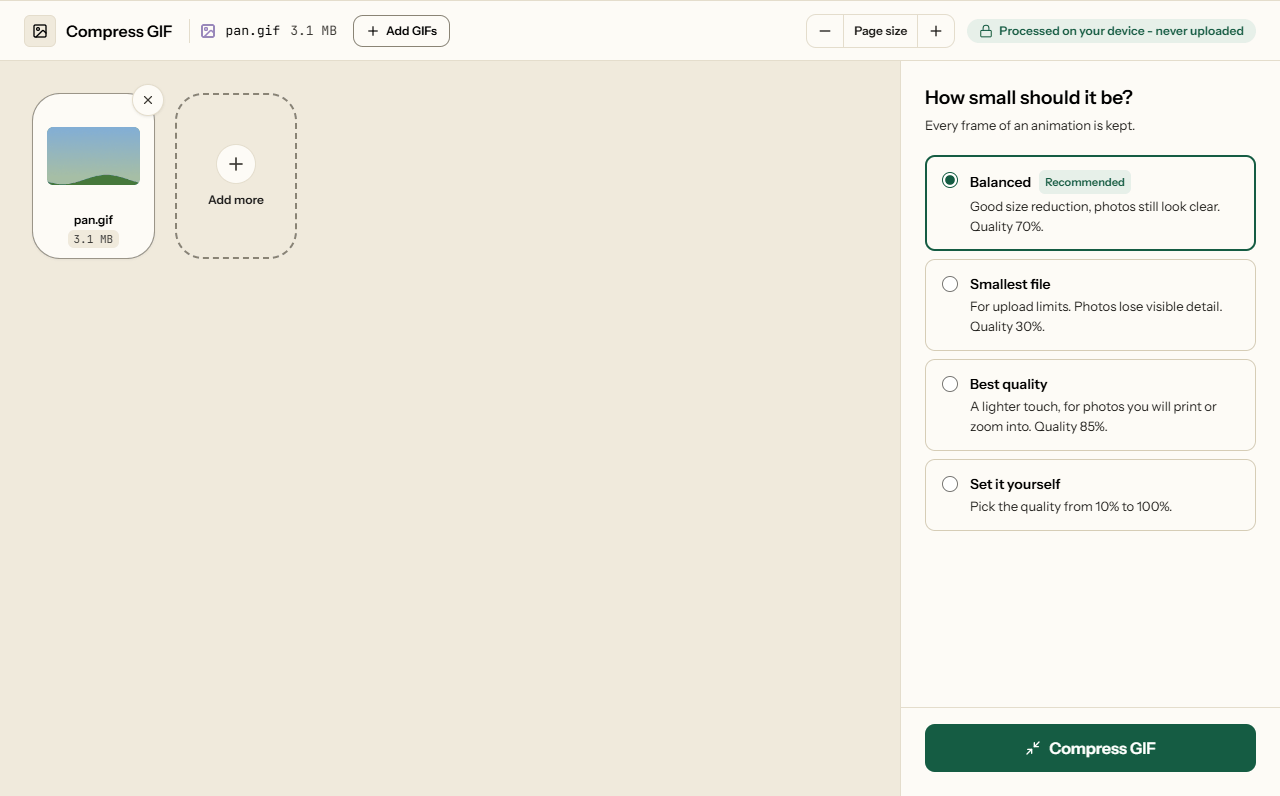
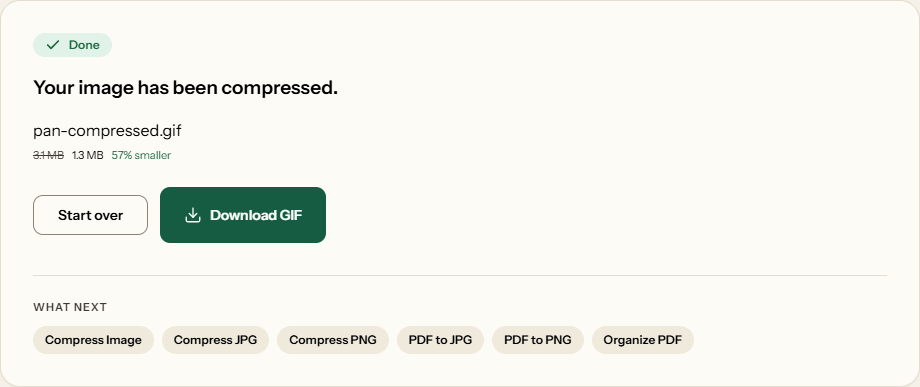
What Compress GIF looks like
Two screens from the working tool, captured on 16 October 2026 with a 3.1 MB, 20-frame animated GIF in it.
Frequently asked questions
Does it keep the animation?
Yes. Every frame comes back, each shown for the same time as before, and the GIF loops the same number of times - once, a set number, or forever. What changes is how many colours it uses and, at the lower quality settings, its size.
How much smaller will my GIF get?
It depends on the GIF. On a 30-frame test animation made the usual unoptimised way - every frame stored whole with its own palette - it saved 86% at high quality and up to 93% at the lowest setting. A GIF with a transparent background saved 8% to 41%, because the biggest saving is not available to it. A GIF that someone has already optimised may barely move.
Why is my animated GIF not smaller?
It was probably optimised already - few colours, and frames that store only what changes. If re-encoding would not make it smaller, the tool gives you the original back rather than a worse copy, and says so. A lower quality setting reduces colours further and shrinks the frame size, which usually helps.
What happens to a GIF that is not animated?
A still GIF is saved as a PNG, which stores the same pixels exactly and is usually smaller. It comes back named .png.
Is there a size limit?
The tool does all its work on your device, so very large animations - hundreds of frames at a large size - would run a phone out of memory. Past about 120 million pixels in total (frames times width times height) the GIF is handed back unchanged rather than crashing the page.