Organize & Rearrange PDF Pages
Reorder, rotate, delete and insert pages in one visual grid, then save the rebuilt document.
Order, rotate, remove and repeat pages in one grid
To organize, rearrange or reorder a PDF, add the file, drag the page thumbnails into order, rotate, delete, duplicate or insert blank pages as needed, then click Save organized PDF. Every page of every PDF you add is a thumbnail, and a set of pages can be selected and rotated or deleted together. To combine whole files without changing their pages, use Merge PDF; to cut the organized file into parts, use Split PDF.
What you can do, and how
| To | Do this |
|---|---|
| Move a page | Press, hold and drag it - mouse or touch |
| Flip a backwards scan | Reverse Order |
| Pick a set of pages | Click each one, or All, Odd (1,3) or Even (2,4); Ctrl + A selects all |
| Turn the selected pages | Rotate - 90 degrees clockwise each time |
| Remove the selected pages | Delete, or the Delete key, then confirm |
| Repeat a page | Duplicate / Clone on that page; the copy appears right after it |
| Add a blank page | Blank Page - it goes in after the last page you selected, or at the start, and takes the size and orientation of the page next to it |
| Take something back | Ctrl + Z undoes, Ctrl + Y redoes |
Rearranging changes the order and nothing else
When you only move pages within one file, the pages themselves move; they are not copied into a new file. So a rearranged PDF should be the same file in a different sequence. We measured it: four documents reversed, and separately each one's last page moved to the front, compared with the original.
| Document | Size before | Size after reversing | Time to save |
|---|---|---|---|
| 6-page report with bookmarks, links and tags | 57 KB | 57 KB (+4 bytes) | 0.09 s |
| 10-page colour scan | 7.9 MB | 7.9 MB (+1 byte) | 0.09 s |
| 100-page text document | 107 KB | 107 KB (−26 bytes) | 0.10 s |
| 500-page text document | 537 KB | 537 KB (−27 bytes) | 0.43 s |
The few bytes are the page list being written in its new order. Nothing on any page was touched, which is why an 8 MB scan comes back 8 MB rather than recompressed. Moving a single page gave the same result. The time is the save step alone, on our test machine; it does not include drawing the thumbnails.
Everything that points at a page follows it. After reversing the six-page report, its bookmark for Section 1 still opened the Section 1 page, now last in the file, and all six links between sections still landed where they should. One thing does not follow: page labels. If a document numbers its front matter i, ii, iii and then starts again at 1, those labels belong to positions, not pages. After a big reorder, the new first page is labelled "i". Renumber the result with Add Page Numbers if that matters, and do it as the last step: numbering before the order is final is how a document ends up printing "Page 3 of 3" and then "Page 1 of 4".
Two kinds of save, and why it matters
If every page comes from one file and you only move, rotate or delete, the organizer changes that document itself. Its bookmarks, links between pages, accessibility tags, attachments and fillable forms all stay, and still point at the right pages wherever they have moved. Bookmarks to a page you delete are removed with it, along with anything else that belonged only to that page.
Adding a blank page, duplicating a page or combining two files means building a new document instead, because the original cannot hold those changes. The new one keeps everything on the pages - text, images, web links, comments and filled-in form fields - and the bookmarks and links between pages, re-pointed at the copies. It does not keep the accessibility tags, page labels or attachments, so if those matter, make the blank page or the duplicate the last thing you do, or do it on a copy.
Both were checked on a tagged, bookmarked report and a filled-in form; the results for every tool are in what survives each PDF tool.
What changes the file size
- Moving and rotating: nothing beyond a few bytes, as the table above shows.
- A blank page: almost nothing.
- A duplicated page: the copy brings its own copy of what the page uses. Duplicating one page of the 57 KB report added 44 KB of fonts; duplicating one page of a 1,246 KB scan added 207 KB, the size of that page's image.
- Deleting: whatever only the deleted pages used is removed, which in a scan is most of their weight.
A file that grows several times over after a simple reorder has usually been through a tool that copies pages one at a time, writing the shared fonts and images again for every page. This one used to do that too - the same report came out at 289 KB - until we measured it and fixed it on 27 September.
How to organize PDF pages
What Organize PDF looks like
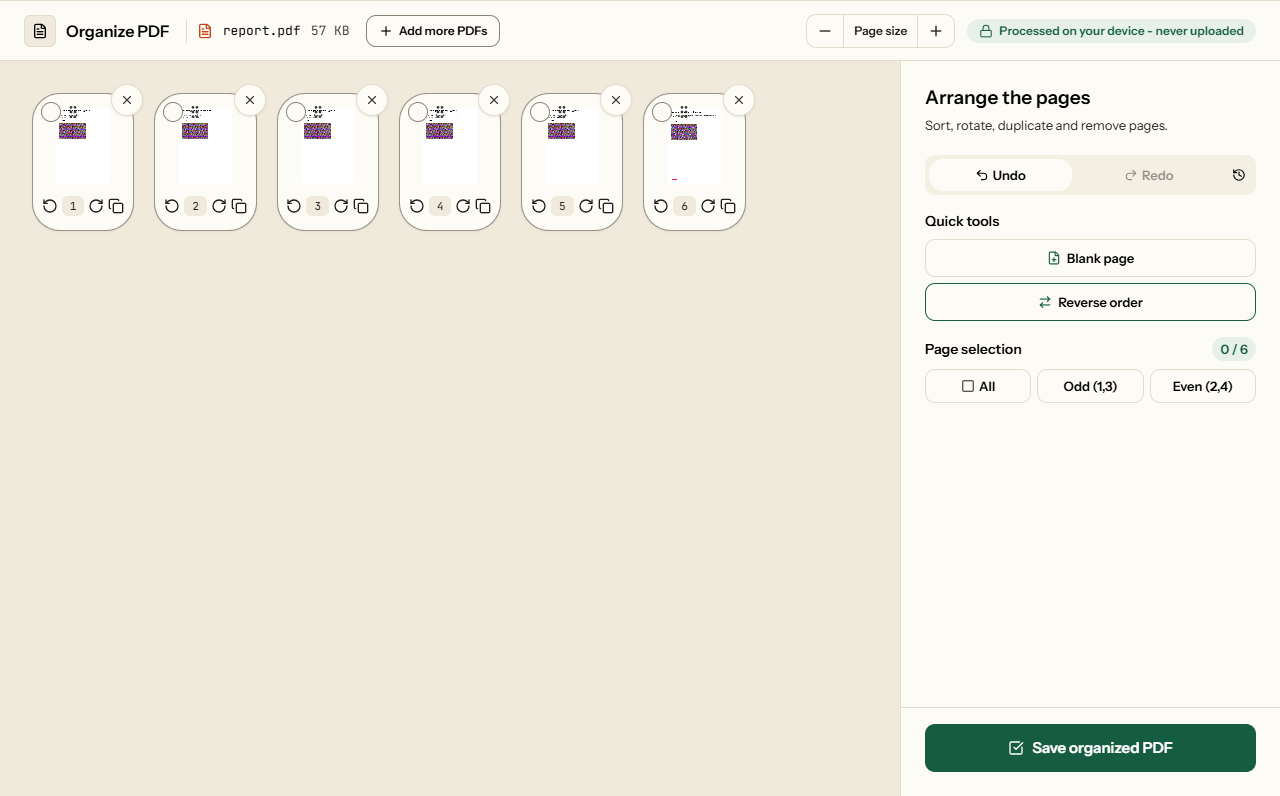
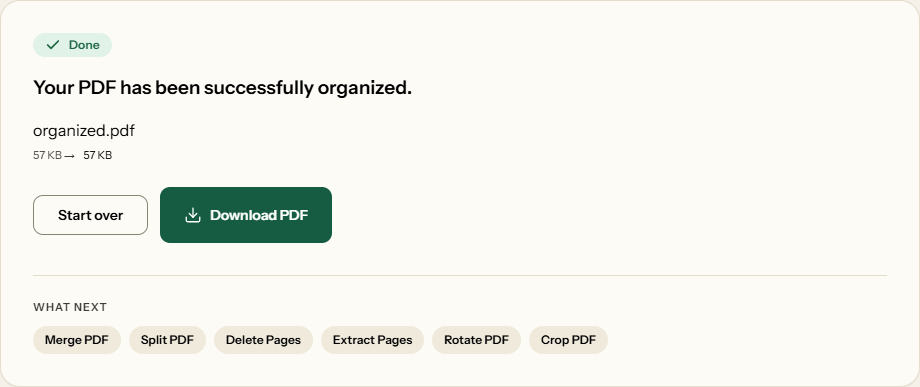
Two screens from the working tool, captured on 16 October 2026 with a 6-page, 57 KB report in it.
Frequently asked questions
My scanner scanned the document backwards. Can I fix this?
Yes. Click Reverse Order and the whole document flips, so the last page becomes the first. That is one click instead of dragging every page.
How do I move multiple pages at once?
Selected pages can be rotated or deleted together - click pages to select them, or use All, Odd and Even - but moving is one page per drag. If the whole document is backwards, Reverse Order flips it in one click.
Can I merge files and organize them at the same time?
Yes. Add several PDFs and all their pages appear in one grid, where you can interleave, rotate and delete them before saving one file. Because pages from several files go into a new document, the result keeps text, images, form fields, bookmarks and links between pages, but not accessibility tags or attachments.
Does reordering or rotating pages reduce the quality of the file?
No. Pages are moved and turned, never re-rendered: a rotation is stored as a setting on the page rather than baked into an image. Text stays selectable, vector artwork stays sharp, and nothing is re-compressed.
Can I repeat a page without adding the file again?
Yes - the Duplicate / Clone button on a page puts a copy right after it, which can then be moved, rotated or deleted on its own. Each copy carries its own copy of the images and fonts the page uses, so duplicating a page with a large photo adds roughly that photo's size.
How do I replace a page with one from another PDF?
Add the other file with Add more PDFs, so its pages join the same grid. Drag the new page into place, delete the old one, and save. Because pages from two files go into a new document, accessibility tags, page labels and attachments are not kept; bookmarks, links and form fields are.
Will organizing keep my bookmarks and links?
Yes. If you only move, rotate or delete pages of one file, that document is edited in place and keeps everything, including tags and attachments. Adding a blank page, duplicating a page or combining files builds a new document: bookmarks and links between pages still work, but tags, page labels and attachments are dropped.
Where does a blank page go, and what size is it?
Blank Page puts it after the last page you selected, or at the very start if nothing is selected, so you rarely need to drag it. It takes the size and orientation of the nearest page before it, so a landscape spreadsheet gets a landscape blank rather than an A4 portrait sheet.
Related Tools
Single-purpose versions of what the organizer does.