Compress PDF Online Free
Shrink a PDF to a size you set, from 50KB to 2MB, or pick Smallest file for extreme compression. Works best on scans, photos and slides - a PDF that is mostly text usually cannot get smaller.
- Batch Processing Supported
How this PDF compressor works, in one sentence
It redraws every page as a JPEG image at a lower resolution. That is how this PDF size reducer gets files smaller, and why a heavy scan can lose most of its weight, a document typed in Word usually cannot get any smaller, and the result is no longer searchable. Everything below follows from it. The file is processed in your browser and never uploaded - we checked by recording every request during a run.
How much it can reduce the size of your PDF
On 22 September 2026 we ran 102 real PDFs through the Recommended preset and recorded every result, including the ones it could not shrink. "Typical" is the median file in each group.
| If your PDF is | Files | Typical saving | Came back unchanged |
|---|---|---|---|
| A scan or photo-only document | 40 | 46% | 1 |
| Slides or a landscape deck | 9 | 79% | 0 |
| Text with large images | 7 | 79% | 1 |
| Mostly text - from Word, Google Docs, a website | 41 | 0% | 22 |
| Already compressed here once | 5 | 0% | 5 |
A text document is small because it stores letters, not pictures of letters. Turning its pages into images makes it bigger - a median of 3.5 times, and in one case a 2-page, 8.8 KB document would have come out at 168 KB. When that happens the tool gives you your original file back, untouched, and tells you. If a text PDF has to be smaller, the fix is in the document it came from: shrink its images there and export again.
The full results, file by file, are in our compression benchmark.
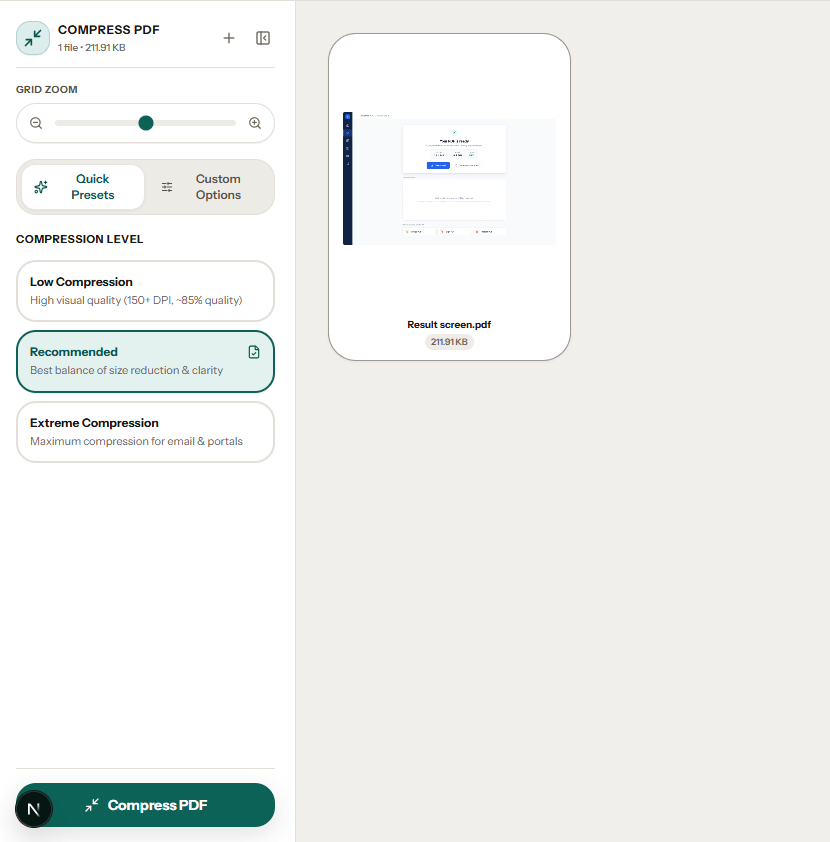
The three presets
Measured on 14 files that all three presets could shrink:
| Preset | Typical saving | What it looks like |
|---|---|---|
| Low | 53% | Closest to the original; some files will not shrink at all |
| Recommended | 76% | We could not tell pages from the originals at 100% zoom, including a scanned ID card whose QR code still read |
| Extreme | 89% | Roughly half the size of Recommended again; small print and thin lines visibly soften |
If a portal has given you a number, use Custom Options and type it as a target size instead of guessing a preset. The tool makes up to three attempts, each stronger than the last, and stops at the first one that fits. So you keep as much quality as the limit allows. If three are not enough, it says the target was missed rather than pretending otherwise.
Getting under an email attachment limit, and what to do when compression alone cannot, is in how to compress a PDF for email.
What you give up
- The text layer. The page looks the same but behaves like a photograph of itself: no searching, no copying, nothing for a screen reader. One test file had 1,535 characters of selectable text before and none after.
- Links, bookmarks, attachments and editable form fields. Typed form answers stay visible as part of the image, but cannot be changed.
- The password. A password-protected PDF asks for its password, and the compressed copy comes out without one. Add it back with Protect PDF if it needs one.
- Sharpness, gradually. At Recommended and normal zoom you should not see it. Zoomed in, or at Extreme, letter edges soften.
So compress the copy you are sending, and keep the original. What survives every tool on this site, compression included, is in what survives each PDF tool.
Check it is still readable before you send it
After a compression you can ask the tool whether the result is still readable. It runs text recognition - the same engine as OCR PDF - on up to three pages of the original and the same pages of the compressed file. It then tells you, page by page, what share of the words it could still read. That way a certificate compressed to fit a 100 KB limit does not reach the portal with its small print gone. The check is a button rather than automatic because its first run downloads the recognition engine, which matters on mobile data. Like the compression, it runs on your device.
Tip
Compressing twice does nothing
Of 73 files that shrank, a second pass saved an average of 1%, and 18 did not change at all. If one pass did not get you under a limit, go back to the original and choose a stronger preset or a lower target, rather than compressing the compressed file.
How to reduce PDF file size: compress a PDF in four steps
Compressing to a specific size: what each limit holds
If a portal or form gives you a figure, open Custom Options and choose it as the target. If it wants everything in one file, merge the documents first and compress the merged file once. What decides whether you get there is mostly the page count. We compressed six scanned documents to every listed size and recorded the result. The scans were generated for the test at 200 DPI, the default of most scanner apps (see what DPI to scan at), with paper tint and noise, and each weighed about 730 KB to 810 KB a page before compressing.
| Target | Reached in our tests | Missed |
|---|---|---|
| 50 KB | 1-page letter (46 KB); 1-page colour certificate with seal, photo and signature (50 KB, still in colour) | 2-page letter, which stopped at 65 KB |
| 100 KB | Anything of 1 page; 2-page letter (92 KB); 4-page report with a photo on each page (77 KB) | 4-page text document, which stopped at 129 KB |
| 200 KB | Up to 4 pages: 183 KB for text, 188 KB for the photo report | 10-page document, which stopped at 322 KB |
| 300 KB | Up to 4 pages, with more detail kept: 251 KB for the 4-page text document | 10-page document, which again stopped at 322 KB |
| 500 KB | Every document tested, including 10 pages (459 KB) | None |
| 1 MB and 2 MB | Every document tested; 10 pages came to 874 KB and 1.7 MB | None |
Text stayed readable in every result, including the misses: text recognition still read 96% to 100% of the words, and we checked the photo report by eye. That is because the compressor gives up at roughly 32 KB a page rather than squeezing further, and the result panel tells you the target was missed. When that happens, the page count is what to change. Keep only the pages the portal needs with Extract PDF Pages, or divide the file with Split PDF if the form accepts several uploads.
A larger target does not mean a larger file. A generous limit is a ceiling, not something to fill: the 1-page letter came out at 232 KB whether the target was 500 KB, 1 MB or 2 MB. And pick the figure the form actually states rather than a smaller one, since every step down discards detail you cannot get back.
What the tool actually looks like
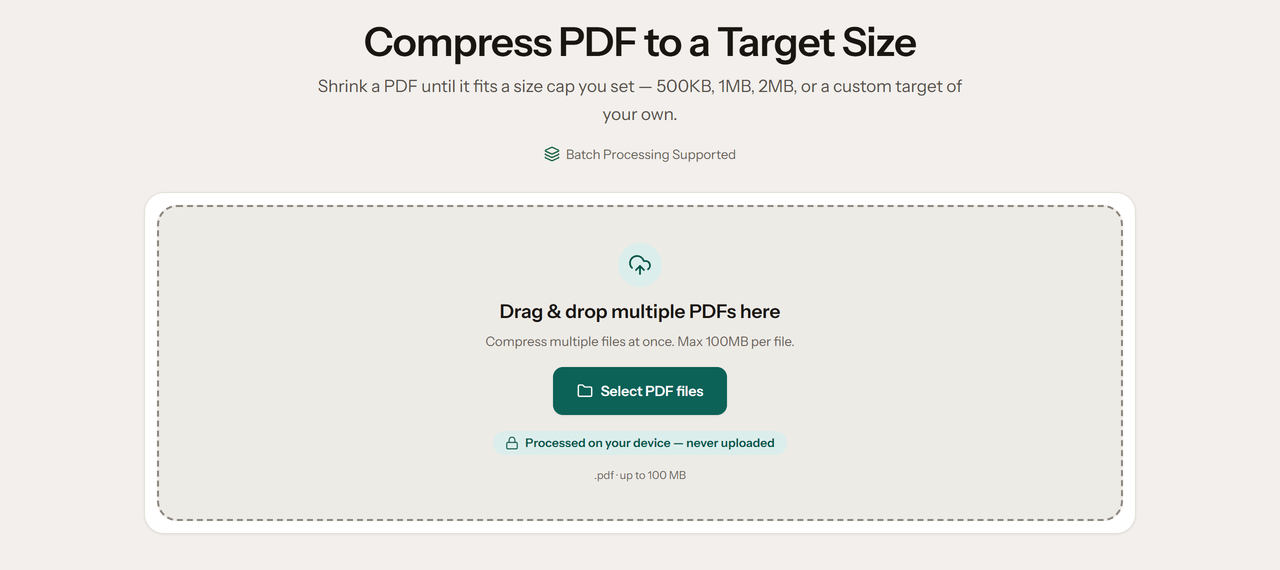
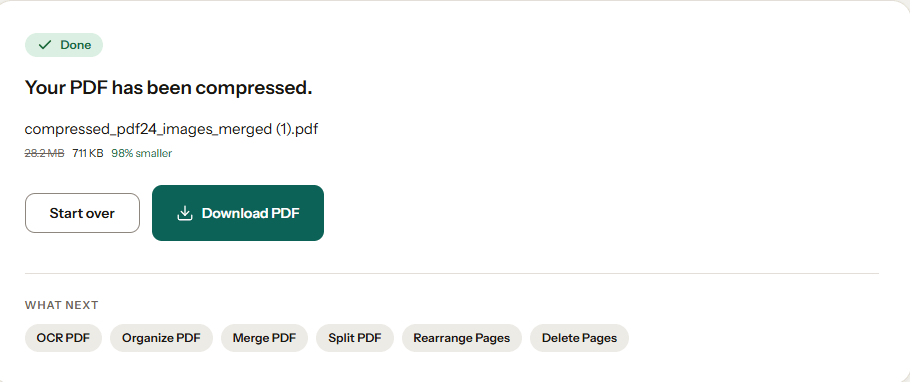
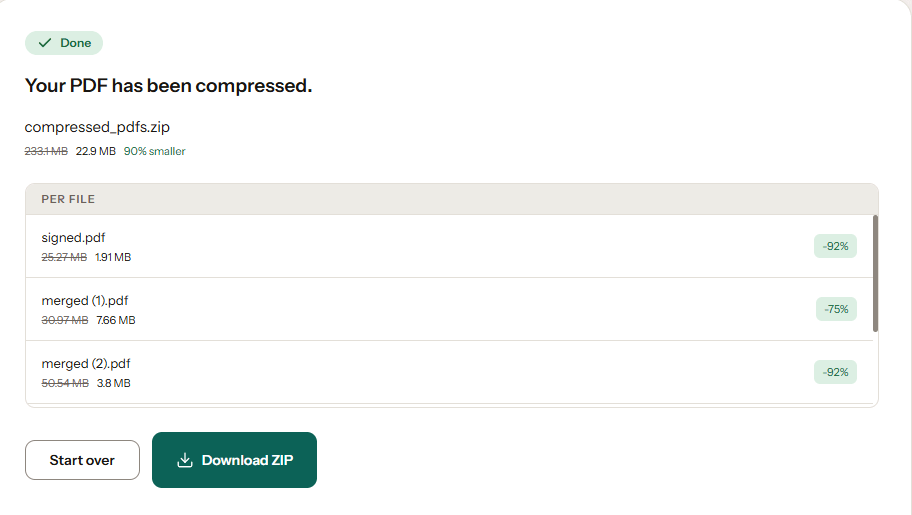
Four screens from the working tool, captured with real files in it.
Frequently asked questions
Will compressing make my text blurry or unreadable?
It can. This tool compresses by re-rendering each page as an image, so text is rasterised rather than kept as vector outlines. At the Recommended preset it stays sharp on screen and in normal printing. At Extreme, or at a custom DPI of 72 to 96, fine type and thin lines will visibly soften. The compressed file is also no longer searchable or copy-pasteable - if you need the text layer, compress the images in your source document and export a fresh PDF instead.
Can I compress a PDF without losing quality?
Only partly, and it depends on the file. A scanned PDF is usually stored at far more resolution than a screen or printer needs. The Recommended preset redraws it at about 108 DPI, which makes it much smaller with no difference you can see at normal zoom. What you cannot do is make it very small and keep every detail: the smaller the target, the more detail is dropped. Choose the largest size your portal or inbox accepts rather than the smallest possible.
Does compression remove clickable links or bookmarks?
Yes, it does. Each page is re-rendered as an image, so hyperlinks, table-of-contents bookmarks and internal page links are not carried into the compressed file. Form fields become part of the page: anything typed into them stays visible, but they can no longer be edited. The pages look the same, but they are flat. If you need those elements, compress the images in your source document and export a fresh PDF instead.
Can I compress multiple PDFs at once?
Yes. Drag and drop multiple PDF files into the workspace. They'll all be compressed sequentially, and you can download them together as a single ZIP file.
Why is my compressed file barely smaller than the original?
It is probably mostly text - exported from Word, Google Docs, LaTeX or a web page. Those files store letters rather than pictures of them, and turning their pages into images usually makes them bigger, so the tool returns your original instead. In our benchmark 22 of 41 text documents came back unchanged. To make one smaller, reduce the images in the document it came from and export it again.
If compression is not enough
Other ways to get a file under a size limit.