Convert PowerPoint to PDF
Turn a PowerPoint presentation (.pptx) into a PDF, one page per slide, without uploading it anywhere.
Convert PowerPoint to PDF without uploading it
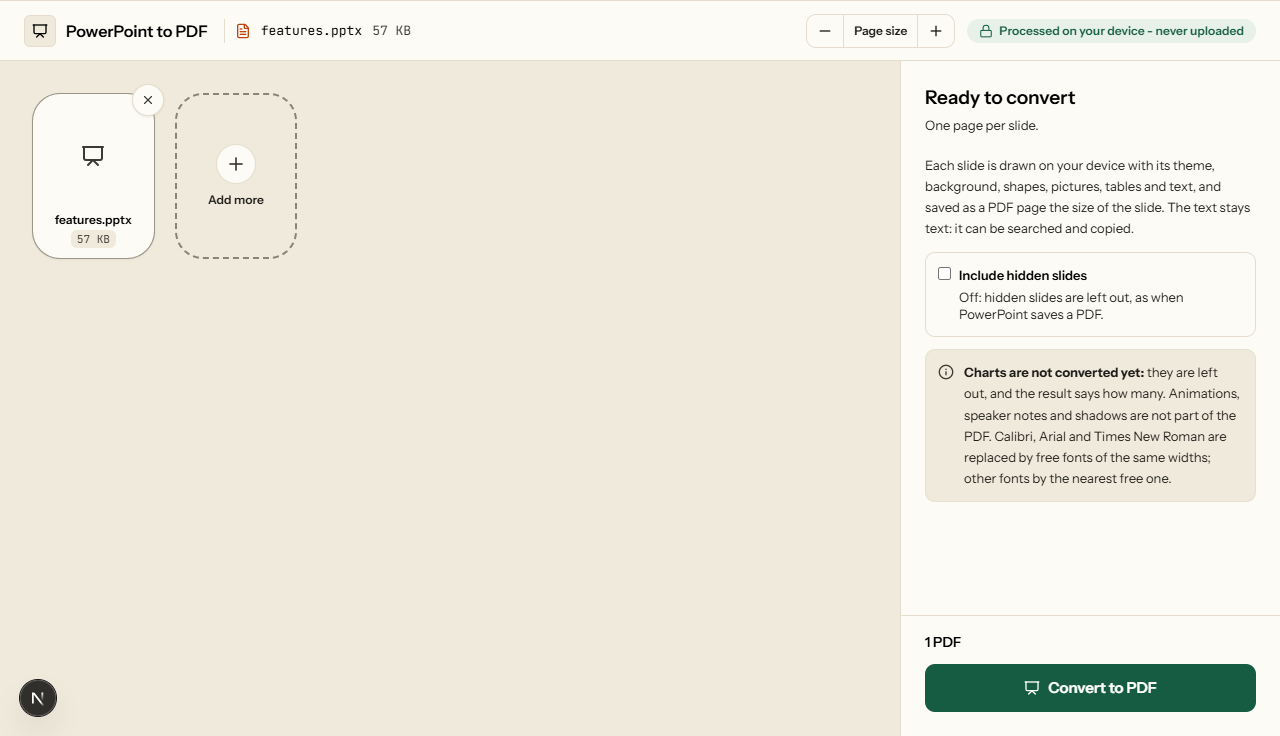
This free PowerPoint to PDF converter works in your browser: add the .pptx and click Convert to PDF. Each slide is drawn as a PDF page the size of the slide, with its theme, background, shapes, pictures, tables and text. Nothing is sent to a server, so a pitch deck or a board presentation stays on your device.
| Input | PowerPoint files (.pptx), slide shows (.ppsx) and templates (.potx), one or several at once. Not the older .ppt format. |
|---|---|
| Output | PPTX to PDF: one PDF for each presentation, one page per slide, with real text and clickable links. Several presentations come back as a ZIP. |
| Converted | Themes and their backgrounds, the master's shapes and pictures, titles and text boxes, bullets and numbered lists, shapes with solid, gradient and see-through fills, lines with arrow heads, groups and rotated shapes, pictures (cropped, cut to a shape or recoloured), tables with merged cells, slide numbers, and Hindi, Bengali and Tamil. |
| Not yet | Charts, shadows, glow and 3D effects, and text in columns. Charts are left out and counted in the result; effects and columns are not counted. |
How to convert PowerPoint to PDF
What PowerPoint to PDF looks like
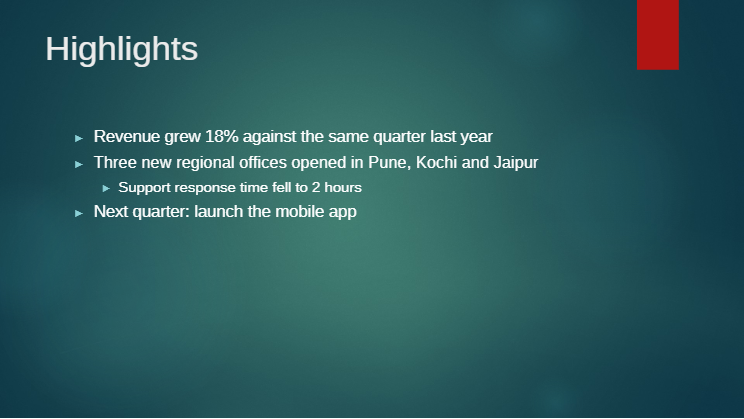
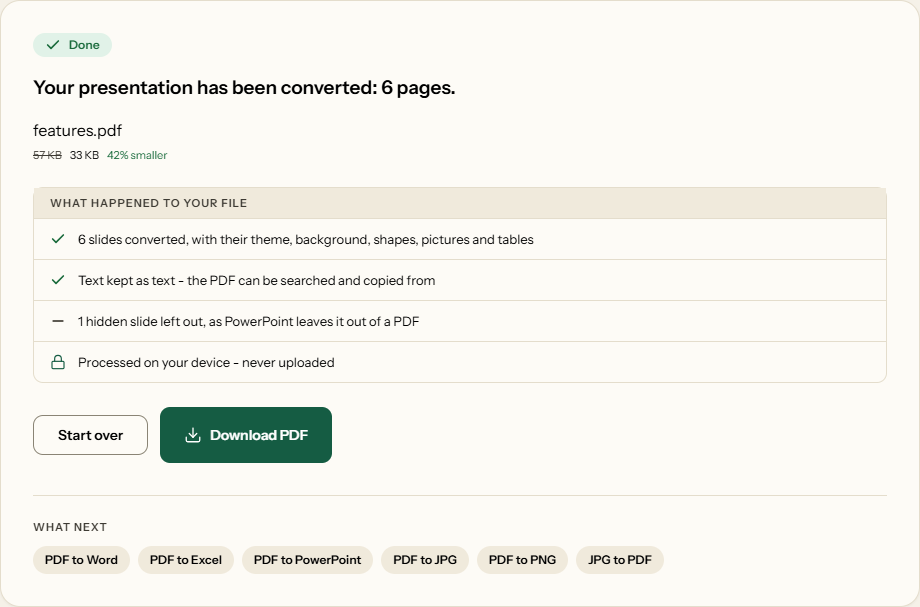
Three screens from the working tool, captured on 31 October 2026.
Words where PowerPoint puts them
A converter that measures text differently from PowerPoint breaks lines in other places, and a bullet point that wrapped onto two lines in PowerPoint spills off the slide. So on 31 October 2026 we built five presentations in PowerPoint and had PowerPoint save each one as a PDF. We converted the same files here and measured, word by word, how far each one landed from where PowerPoint put it.
| What we compared | Result |
|---|---|
| Pages, PowerPoint and here | 23 and 23, in 5 of 5 presentations |
| Words found on the same slide | 393 of 442 |
| Of those, within 2 points of PowerPoint's place | 262 |
| Within 5 points | 346 |
| Median distance | 1.3 points |
The first presentation was a five-slide review in the Office theme, with a photo, a table and a Hindi slide. The second had seven slides of shapes, gradients, lines with arrow heads, a rotated group, numbered lists and cropped pictures, one of them hidden. The other three were the same four slides in PowerPoint's Facet, Ion and Retrospect themes. The words not found were the Hindi slide, which the comparison cannot read back from PowerPoint's PDF, and hyphenated words such as "stand-up", which PowerPoint's PDF splits up. A point is 1/72 of an inch: 2 points is 0.7 mm.
Fonts: the same widths where we can
Slides are set in Microsoft's fonts, which cannot travel with a website. The common ones are Calibri, Cambria, Arial, Times New Roman and Courier New. Free fonts cut to identical letter widths take their place, so a bullet that fits on one line in PowerPoint fits on one line here. Theme fonts with no free twin are matched by measurement instead. Calibri Light, the Office theme's title font, is drawn 1.6% narrower than its stand-in, which makes titles look slightly heavier. Century Gothic, in themes such as Ion, is adjusted the same way. Anything else falls back to the nearest free font, and its lines may break in other places.
What is left out, and how you will know
Charts are not drawn yet. When a deck has any, the list under the download names them with a count, so a missing chart is never a surprise. For a deck where the chart is the point, PowerPoint's own Save as PDF is the better route. Shadows, glow, reflections and 3D effects are skipped, and text set in two or more columns flows into one.
Going the other way, PDF to PowerPoint turns a PDF back into editable slides, and Compress PDF makes a deck full of photos small enough to email.
Frequently asked questions
Will the PDF look like my slides?
Yes, in layout: in our comparison with PowerPoint's own PDFs, half the words were within 1.3 points of where PowerPoint put them and the pages matched one for one. Letters can look slightly different, because PowerPoint's fonts cannot be shipped with a website. Calibri, Arial and Times New Roman are replaced by free fonts of the same widths, and other fonts by the nearest free one. Charts are left out for now, and the result tells you how many.
Are hidden slides included?
Not unless you ask. PowerPoint leaves hidden slides out when it saves a PDF, and so does this. Tick Include hidden slides to convert them in their place.
Can I convert a .ppt file?
Not yet: only .pptx, and slide shows (.ppsx) and templates (.potx), the formats PowerPoint has saved in since 2007. Open the .ppt in PowerPoint, choose File > Save As, pick PowerPoint Presentation (.pptx), and convert that.
Are speaker notes or animations in the PDF?
No. Each slide becomes one page with everything on it shown; animations do not play and speaker notes are not printed.
Do links in my slides still work in the PDF?
Yes. A link on a word in a slide becomes a clickable link in the PDF, in the theme's link colour and underlined, as PowerPoint shows it. In our test deck the link on slide 2 opened the same web address from the PDF. Titles, bullet points and table cells stay text you can search and copy.
What happens to a password-protected presentation?
A presentation that needs a password to open is encrypted, so it cannot be read here, and the conversion stops and says so. Remove the password in PowerPoint under File > Info > Protect Presentation, save, and convert that copy.